
Step 01
Click Connect on Pinterest
In PostSync, go to Settings → Accounts Connectivity and click the Connect button next to Pinterest.
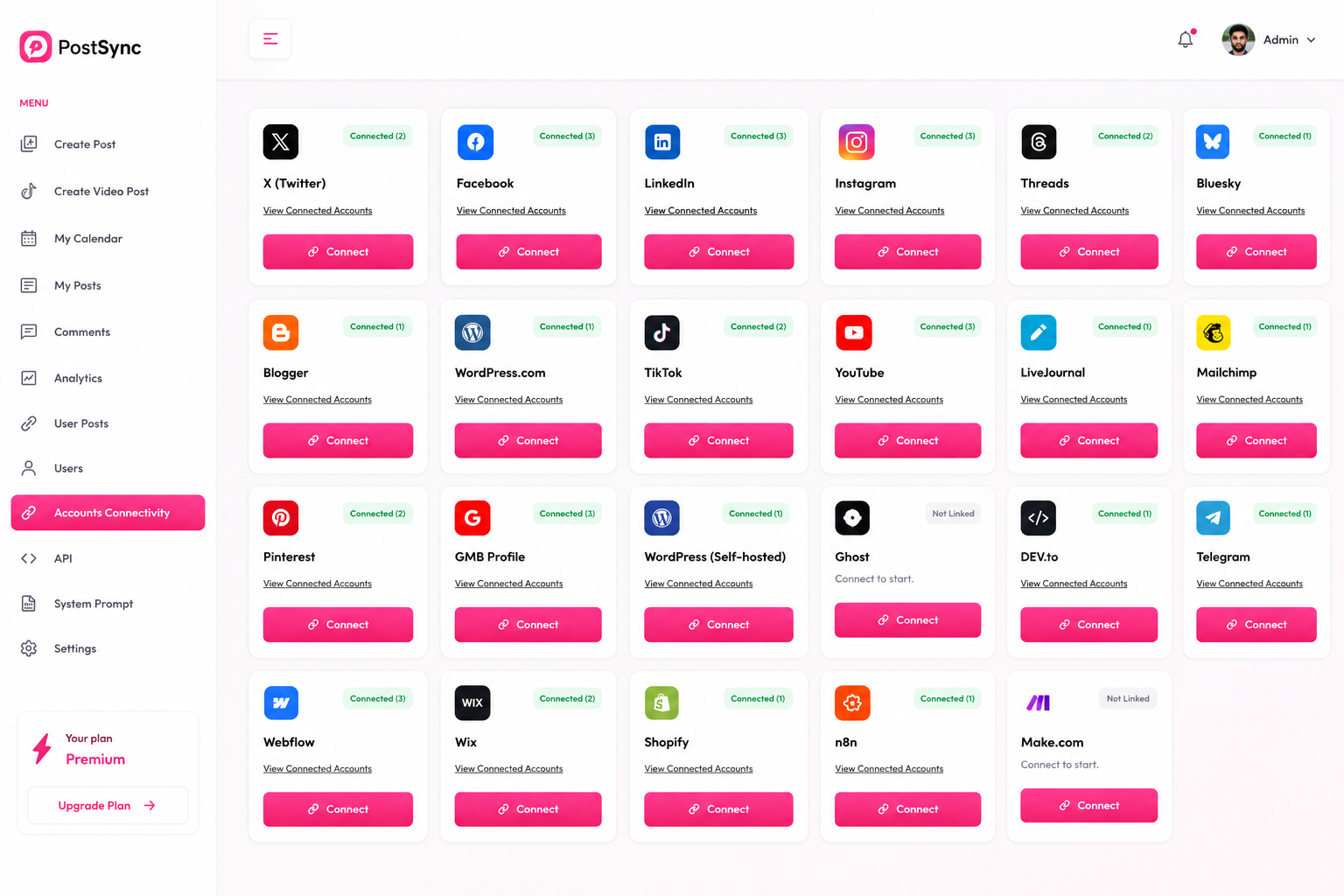
Pinterest is a visual discovery platform where millions of people find inspiration for everything from home decor to recipes and fashion. With PostSync, you can publish your pins as part of your regular content flow.
Follow this comprehensive guide to seamlessly link your Pinterest account to PostSync and streamline your visual content publishing workflow.
In PostSync, go to Settings → Accounts Connectivity and click the Connect button next to Pinterest.
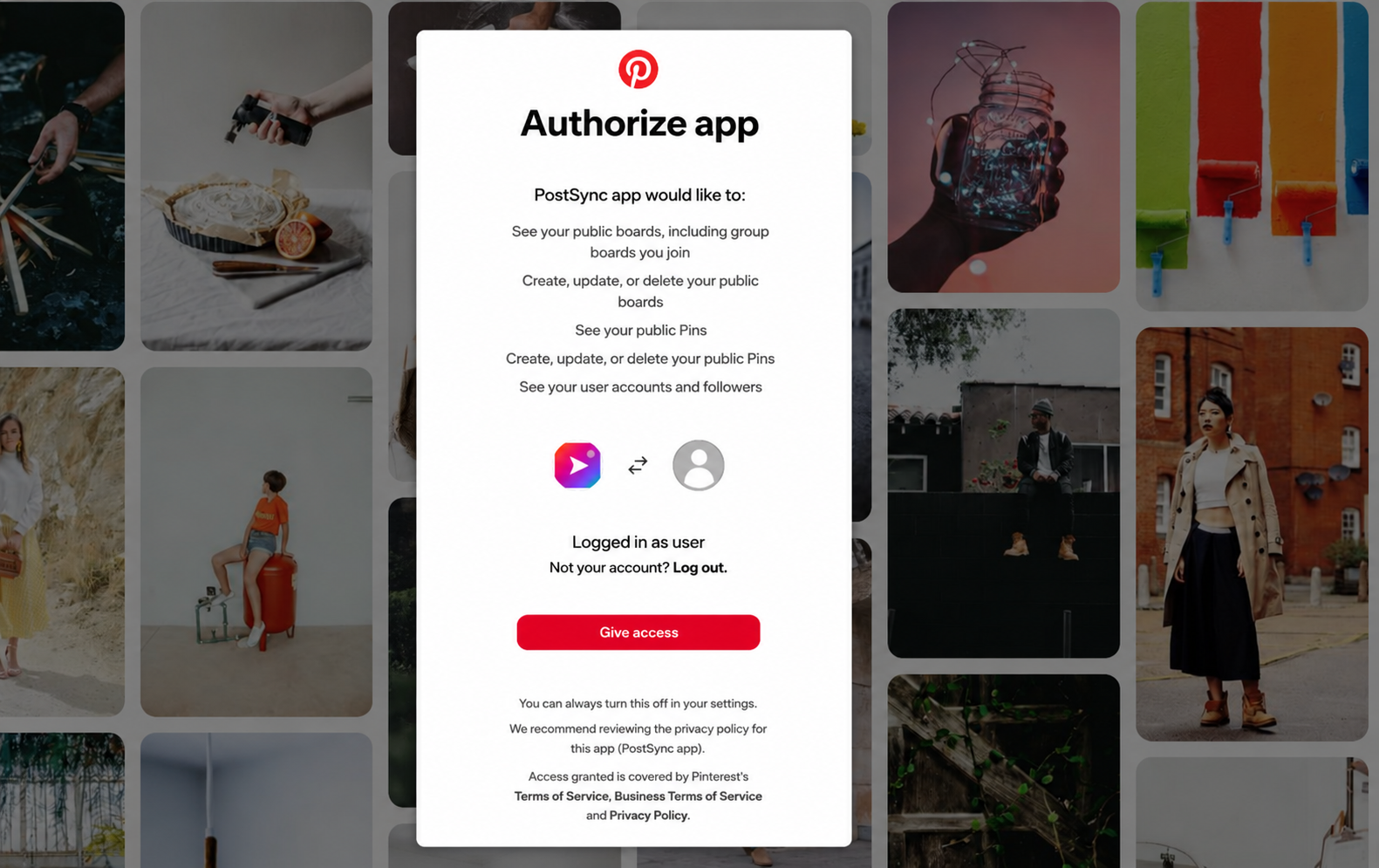
You will be redirected to Pinterest. Log in with the account you want to connect to PostSync.
Review the permissions requested by PostSync (public boards, pins, user accounts) and click Give Access to authorize the app.
You will be redirected back to the PostSync Dashboard and your Pinterest account is now connected successfully.