Step 01
Go to the Dashboard
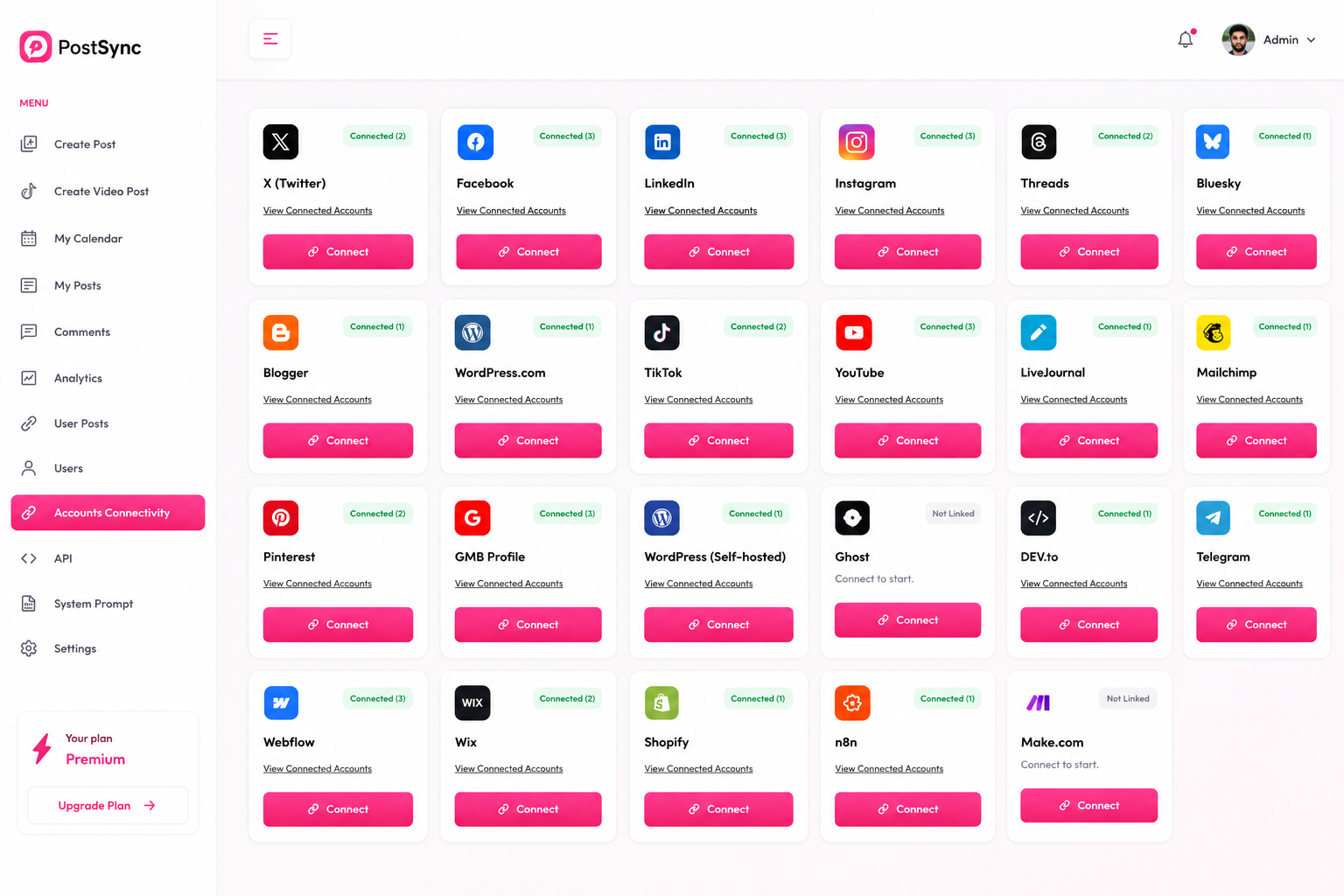
In PostSync, navigate directly to your main Dashboard and click the Connect button located on the Facebook integration card.
Facebook is the world’s largest social media platform with billions of active users. Follow this comprehensive step-by-step tutorial to link your account and streamline your workflow.
By connecting your account to PostSync, you can effortlessly schedule, post, and manage all your multi-channel marketing content directly to your Facebook Page without switching dashboards. Here is how you can set it up in under two minutes.
In PostSync, navigate directly to your main Dashboard and click the Connect button located on the Facebook integration card.
Click Connect inside the authorization popup window. You will be securely redirected to the official Facebook login page — enter your credentials to sign in.
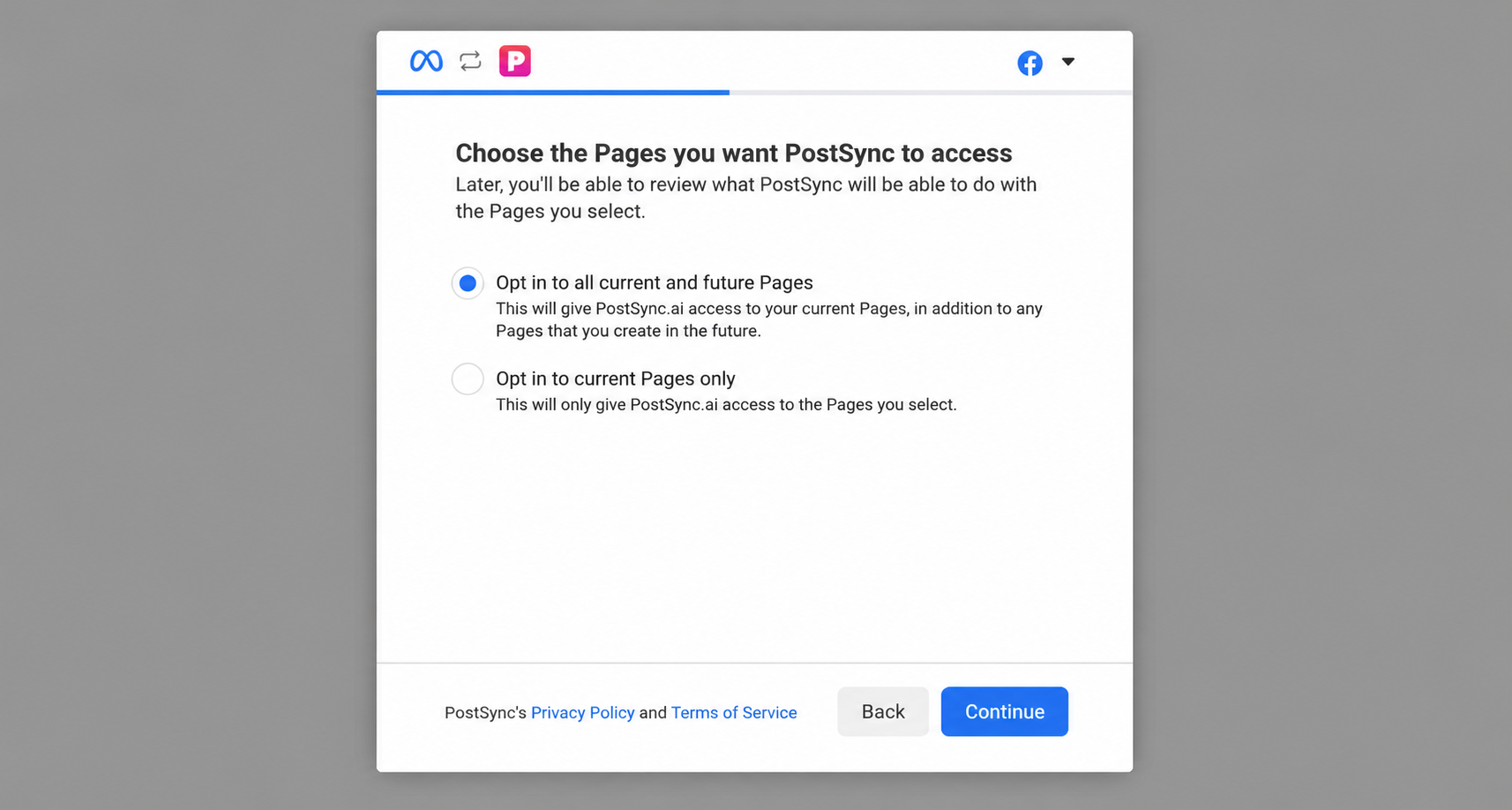
Choose the option to "Opt in to all current and future Pages", and then click the Continue button to proceed.
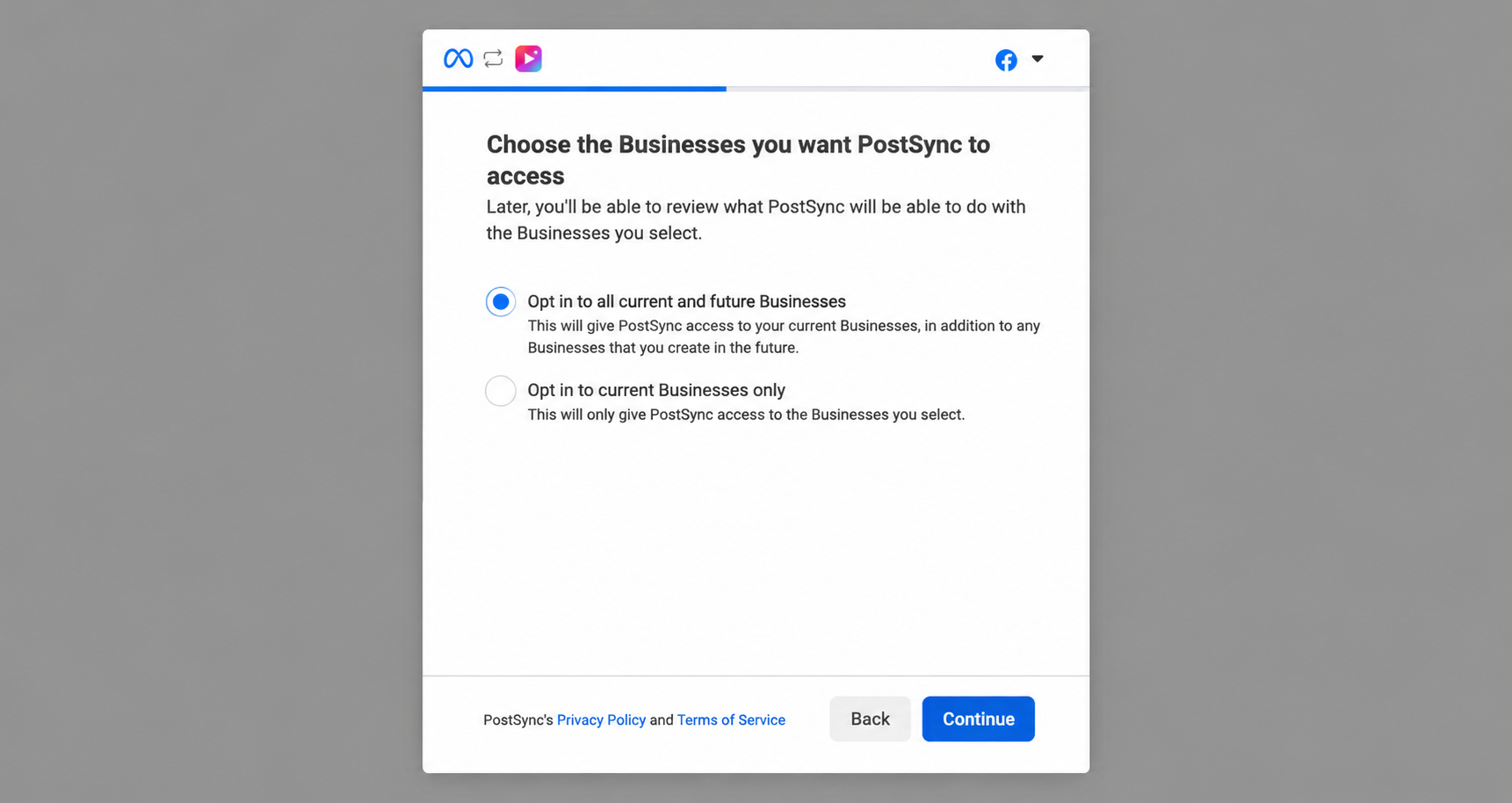
Select the option to "Opt in to all current and future Businesses" to grant full synchronization scope, then click Continue.
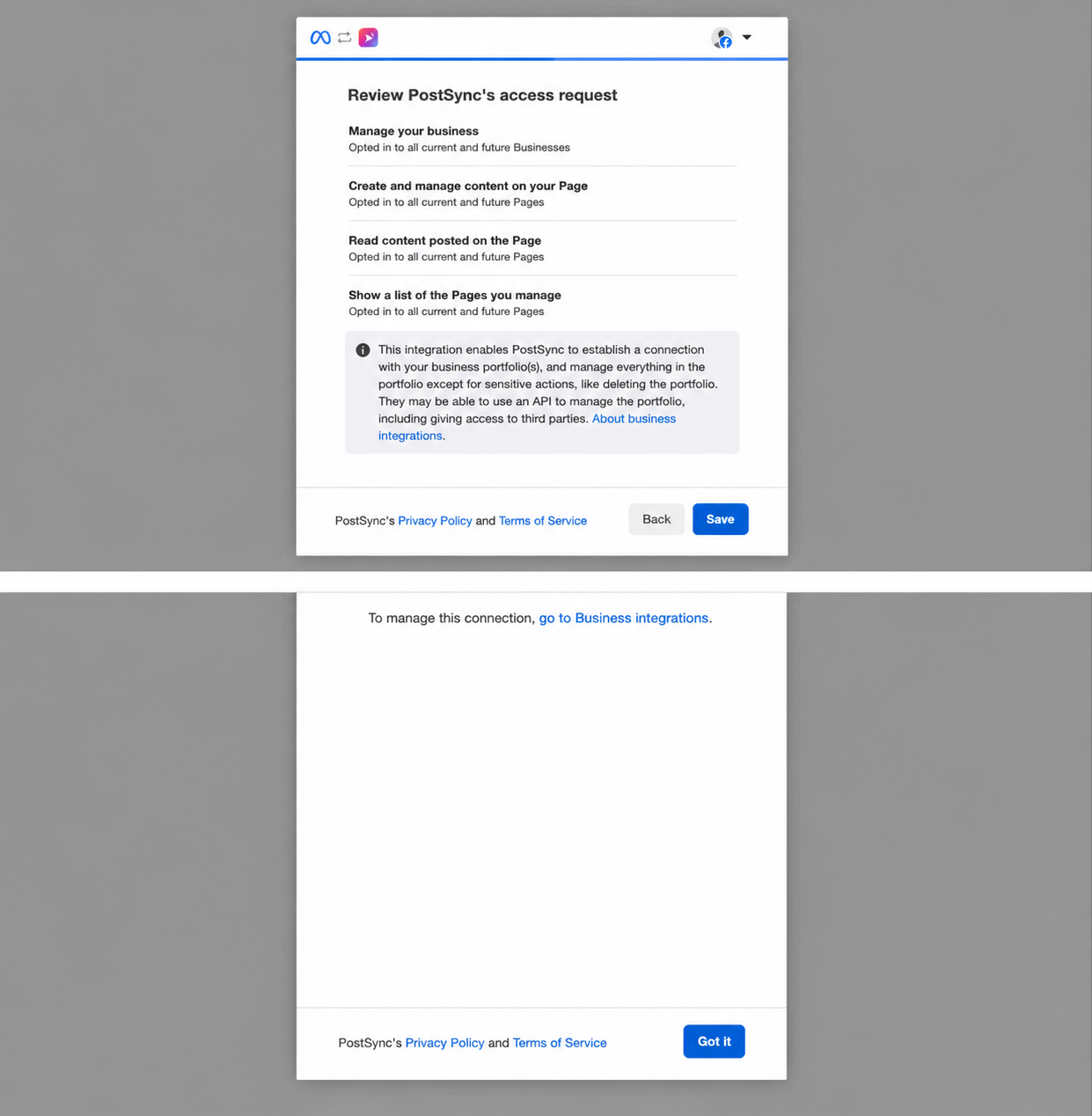
Double-check that all required permissions are enabled and active, then click Save to complete your integration process.